
Best Practices: Advanced Options
Best Practices: Advanced Options

Best Practices: Advanced Options
Extend offers several advanced configuration options to optimize extraction performance, accuracy, and cost. This guide provides detailed explanations of each option.
For a quick guide to reducing latency, see Latency Optimization.
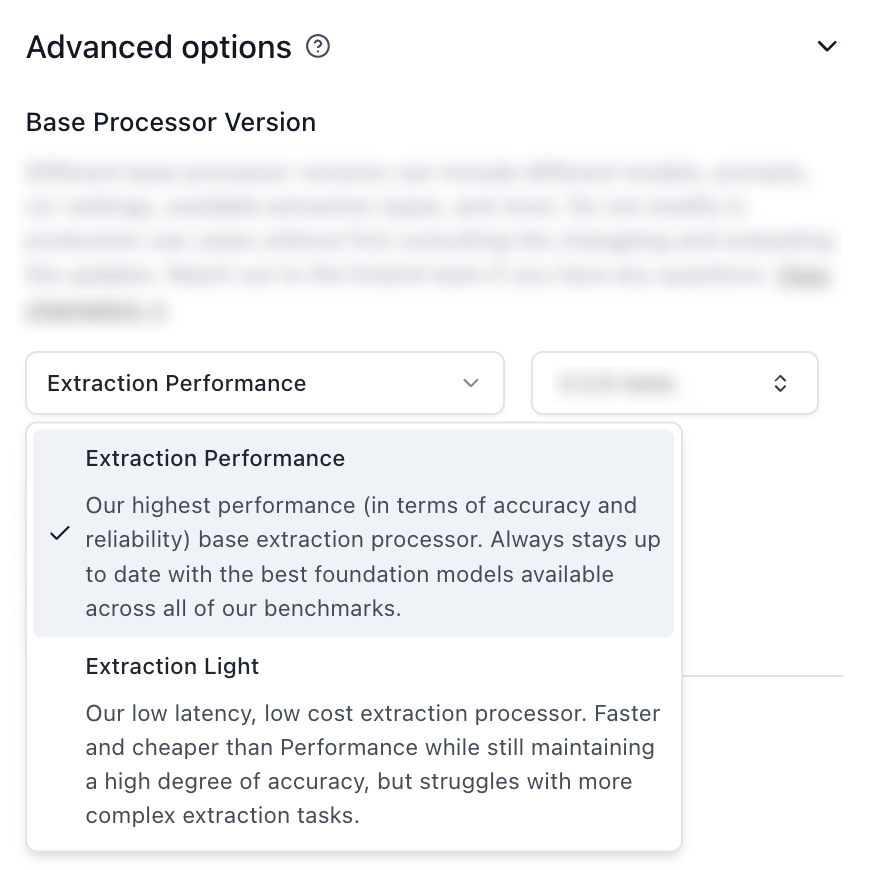
Best for: Complex documents, high accuracy requirements, multimodal content
Characteristics:
Best for: High-volume processing, cost-sensitive applications, simple document types
Characteristics:
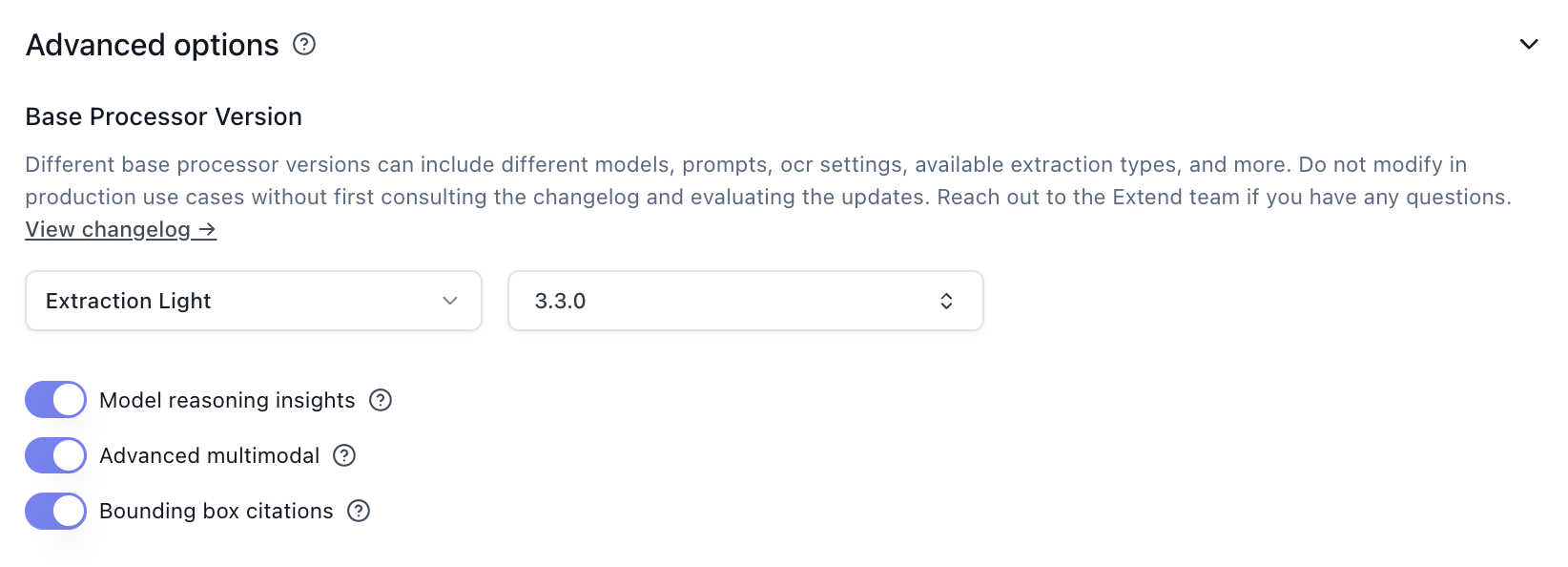
Bounding box citations provide spatial location references for extracted values. While useful for highlighting and validation in review interfaces, they add processing overhead.
For more details, see the Citations documentation.
Configuration:
Advanced multimodal processing uses vision-language models to better understand visual elements in documents. While this adds latency, it is essential for:
Disable for:
Configuration:
Model reasoning insights provide explanations for the model’s decision-making process, which adds processing overhead. These are primarily useful for debugging and validation during development, and can be disabled in production.
Configuration:
Array strategies control how large arrays are extracted and merged across document chunks. The default (none) uses standard extraction behavior.


For documents where you only need to extract from specific pages, limiting the page range reduces processing time by skipping unnecessary content.
Configuration:
Use when:
Chunking and merging are essential pre-processing steps that optimize document processing by breaking large documents into manageable pieces and intelligently combining related content.
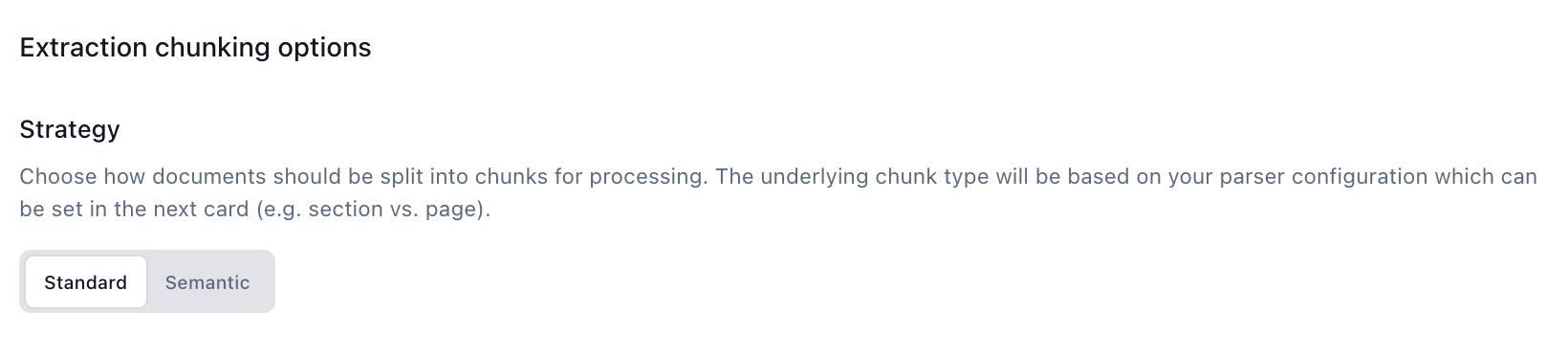
Configuration:
* The default page chunk size can be smaller than 25 if large tables are present
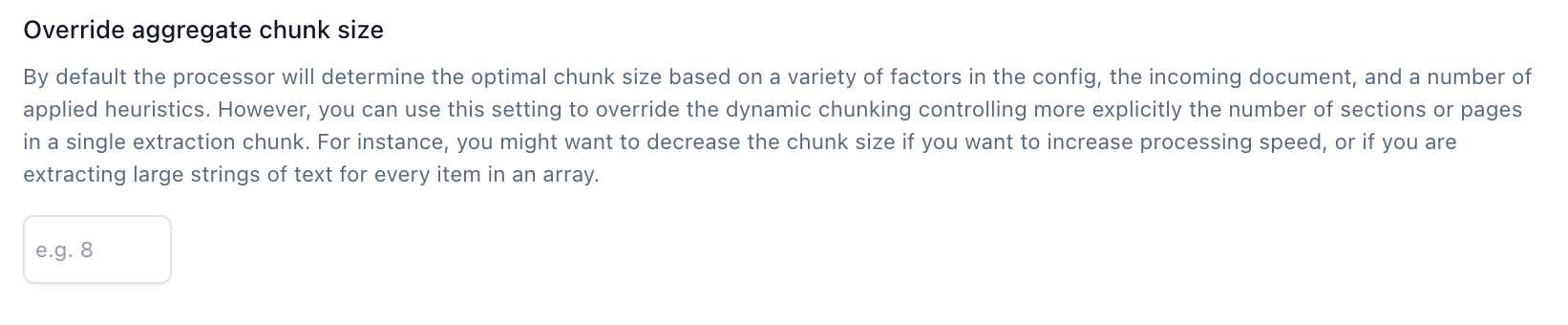
The optimal chunk size depends on your extraction type:
document is fastest as it skips intelligent merging entirelyConfiguration:
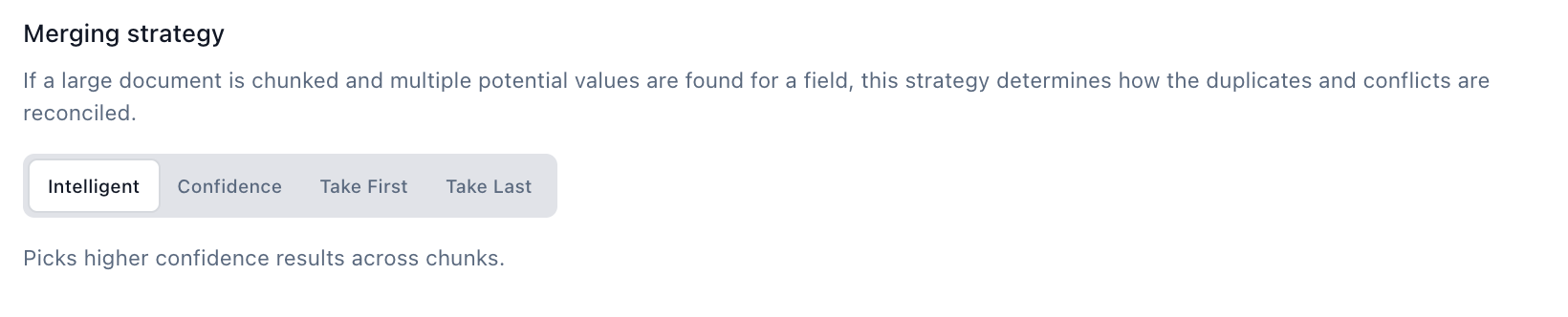
When the same field is extracted from multiple chunks, the merging strategy determines which value to use.
Configuration:
Table Splitting: Large tables can reduce the default chunk size, especially when chunking by page. Test these options to preserve context across large tables:
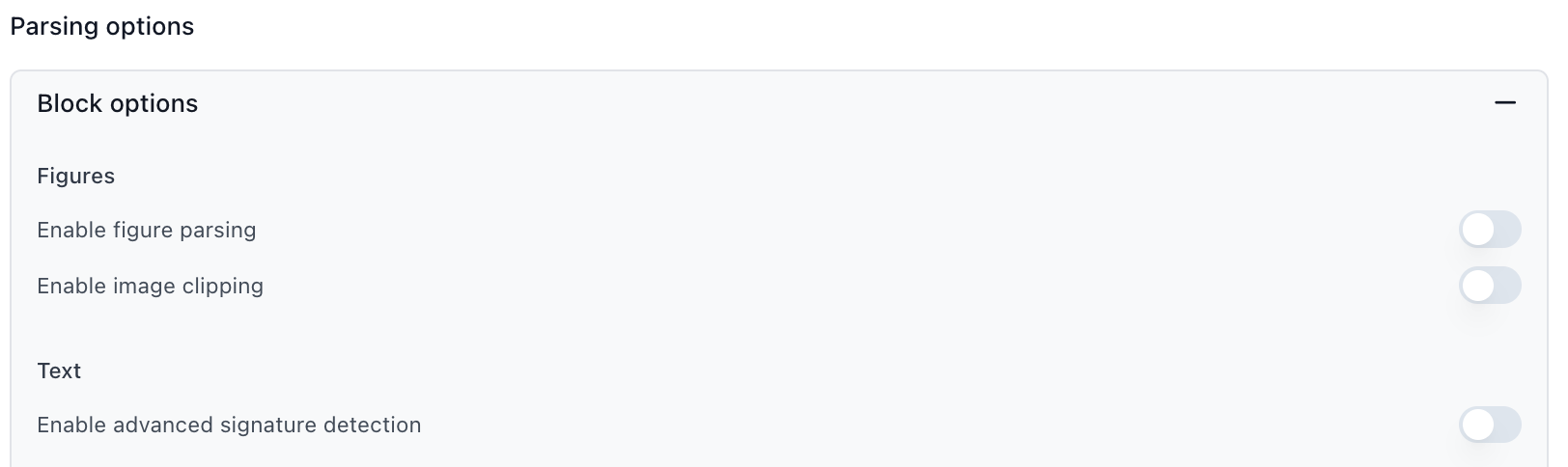
Figure Parsing: Converts charts, diagrams, and images into text descriptions that extraction can read. Disable if your documents don’t contain important visual elements.
Signature Detection: Detects signatures on documents and determines whether they’re signed. Disable if signature verification is not needed.
Agentic OCR: Uses AI to fix OCR mistakes, especially for handwritten text or poor-quality scans. Adds processing time and cost. Keep disabled unless processing handwriting or poor scan quality.
Formula Parsing: Detects mathematical formulas and equations and outputs their LaTeX representations. Disable if your documents don’t contain formulas.
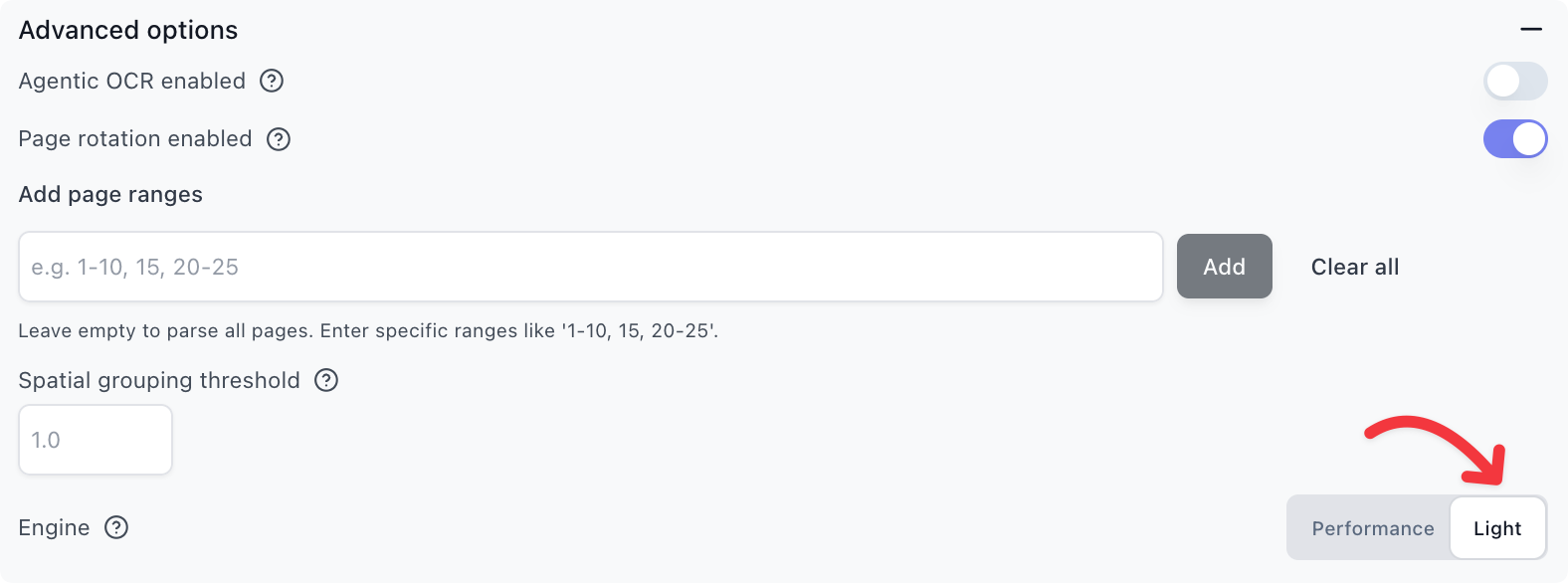
The parse engine controls how documents are processed. Performance is the default and recommended for most use cases. Light is cheaper and slightly faster, but does not support all parsing features such as markdown and advanced table parsing.
Use Light when:
Avoid Light when:
For large extractions or schemas, consider breaking a single extractor into multiple extractors that run in parallel. This is particularly effective when you have both simple top-level fields and complex array extractions.
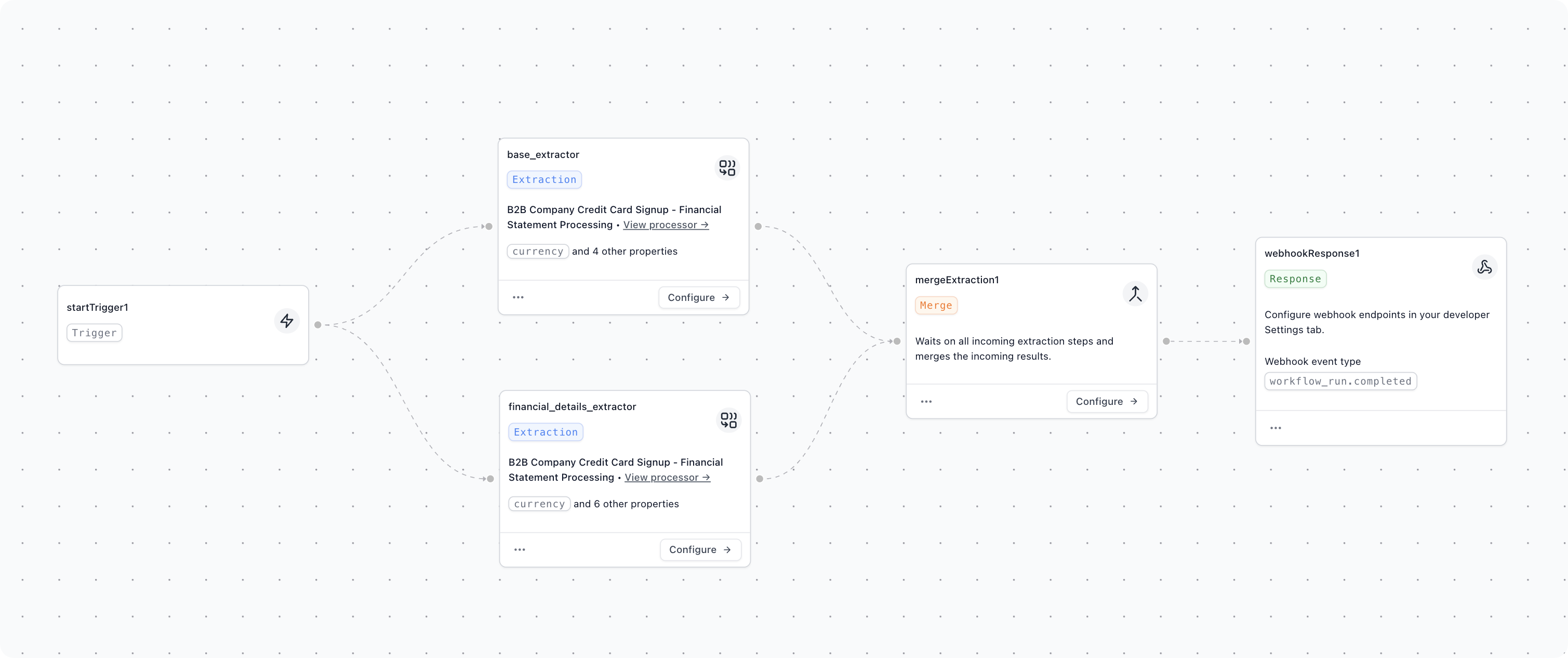
The workflow above shows an example where a financial document is split into two parallel extractors: one for high-level fields, and one for the financial line item details. These run in parallel and are later combined in the workflow output.
Use when: