Best Practices: Latency Optimization
Best Practices: Latency Optimization

Best Practices: Latency Optimization
When processing high-volume documents or building real-time applications, latency becomes a critical factor. This guide provides the most impactful settings to reduce latency.
Many latency-sensitive settings involve trade-offs with accuracy for complex documents. See the Advanced Options guide for detailed explanations of each setting.
Use this checklist when optimizing for latency:
Advanced Options
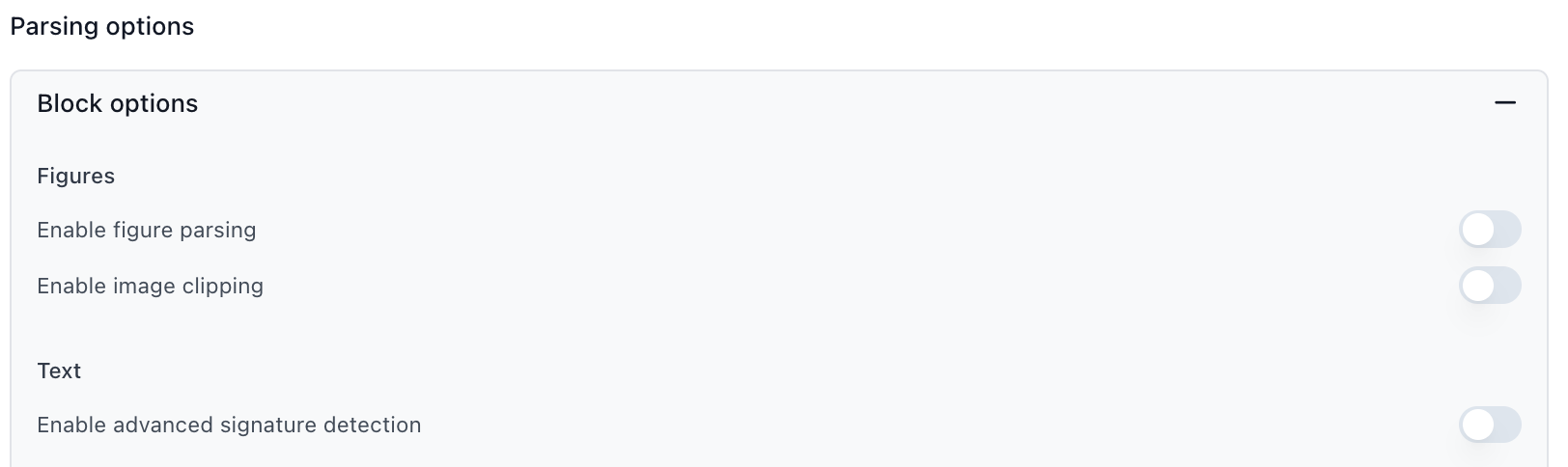
extraction_light for simple document types (verify accuracy with evaluation sets)modelReasoningInsightsEnabled: false) - only needed for debuggingadvancedMultimodalEnabled: false) - unless processing scans/handwritten contentcitationsEnabled: false) - removes spatial location referencesExtraction Chunking Options
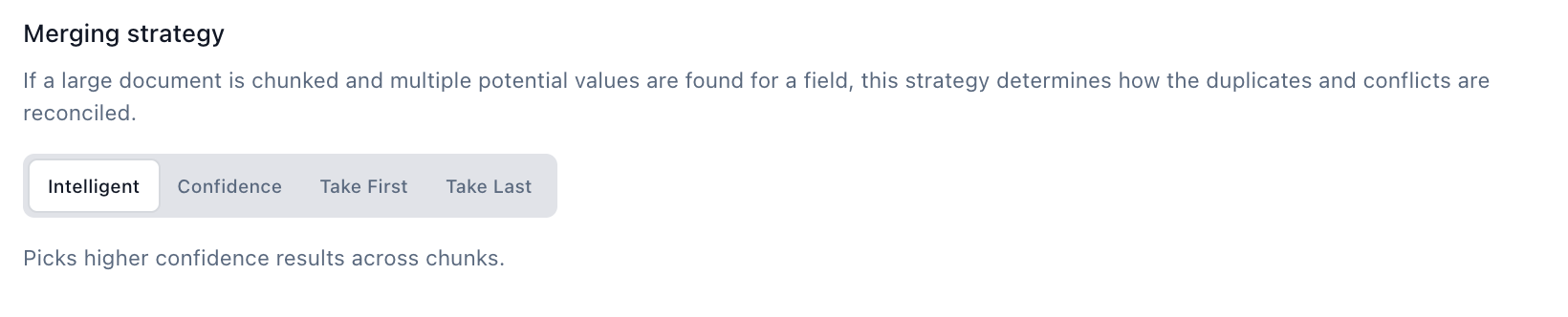
confidence or take_first merging instead of intelligentlarge_array_heuristics array strategy if processing large arraysParser Configuration
document chunk type for non-array extraction to skip merging entirelyWorkflow
The biggest change you can make to reduce latency is selecting Extraction Light instead of the default Extraction Performance.
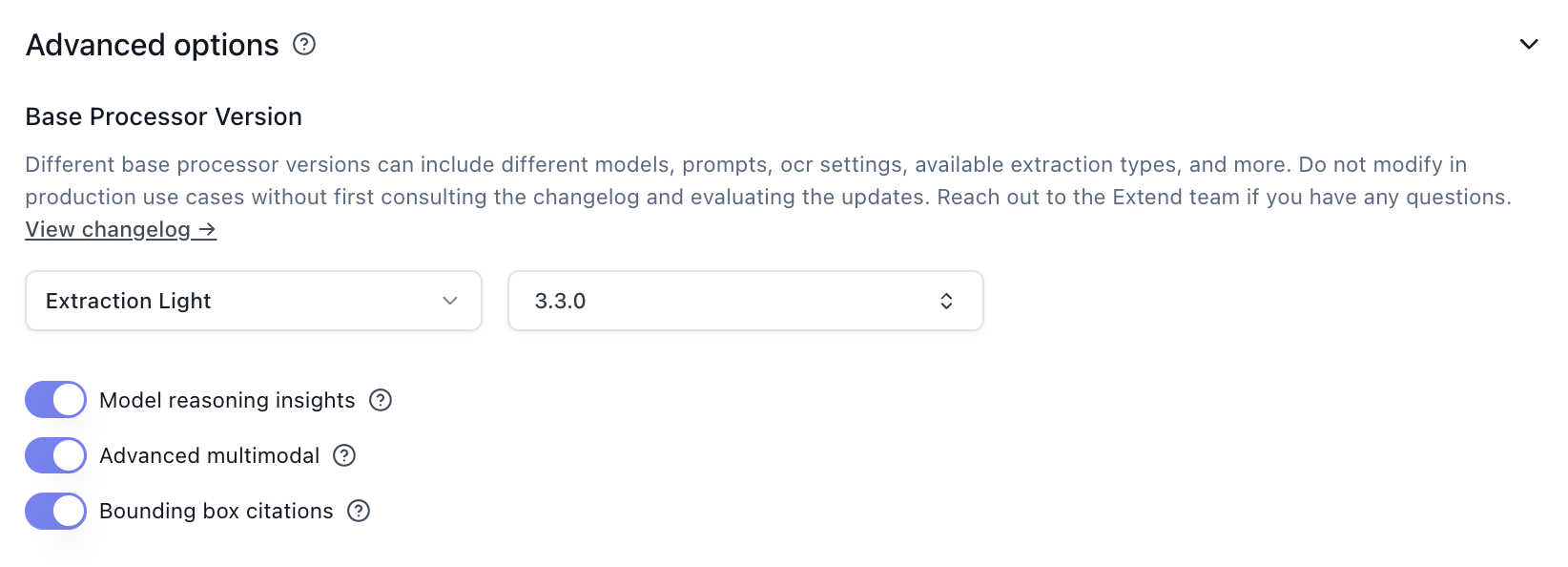
Extraction Light is faster and cheaper, but removes support for advanced visual features like figure parsing and signature detection. See the Extraction Light versioning page for details.
Each of these options adds processing overhead. Disable what you don’t need:
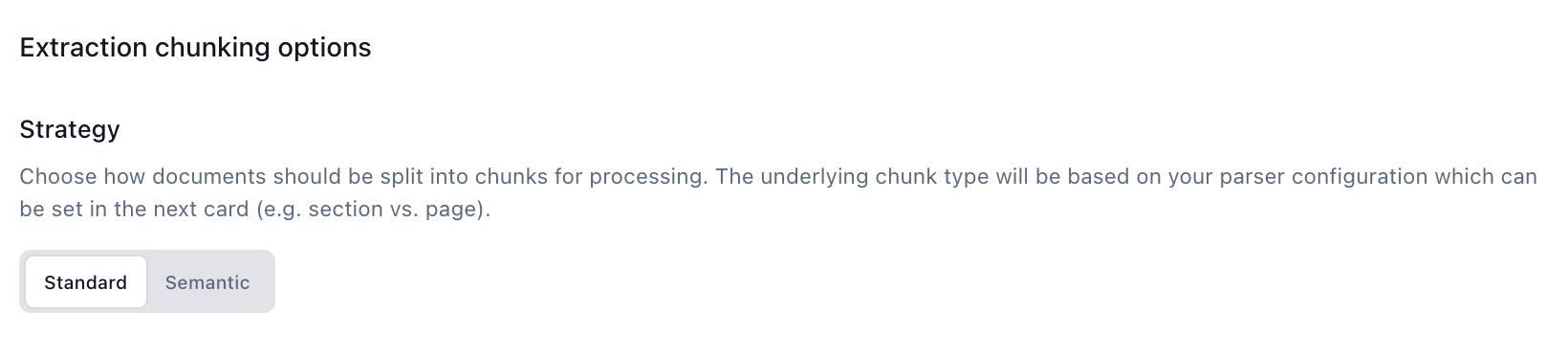
For non-array extraction: Set chunk type to document to skip intelligent merging entirely—this is the fastest option.
For large array extraction: Use large_array_heuristics array strategy with smaller chunk sizes.
Merging strategy: Switch from intelligent to confidence, take_first, or take_last to avoid extra processing overhead.