

API Quickstart
This guide walks you through your first Extend API call. You’ll parse a document with the Parse endpoint and get back clean, LLM-ready markdown and structured blocks you can feed into RAG, downstream extraction, or any other step in your pipeline.
What we’re going to parse
We’ll parse a bank statement PDF with headers, an account summary, and a transactions table.
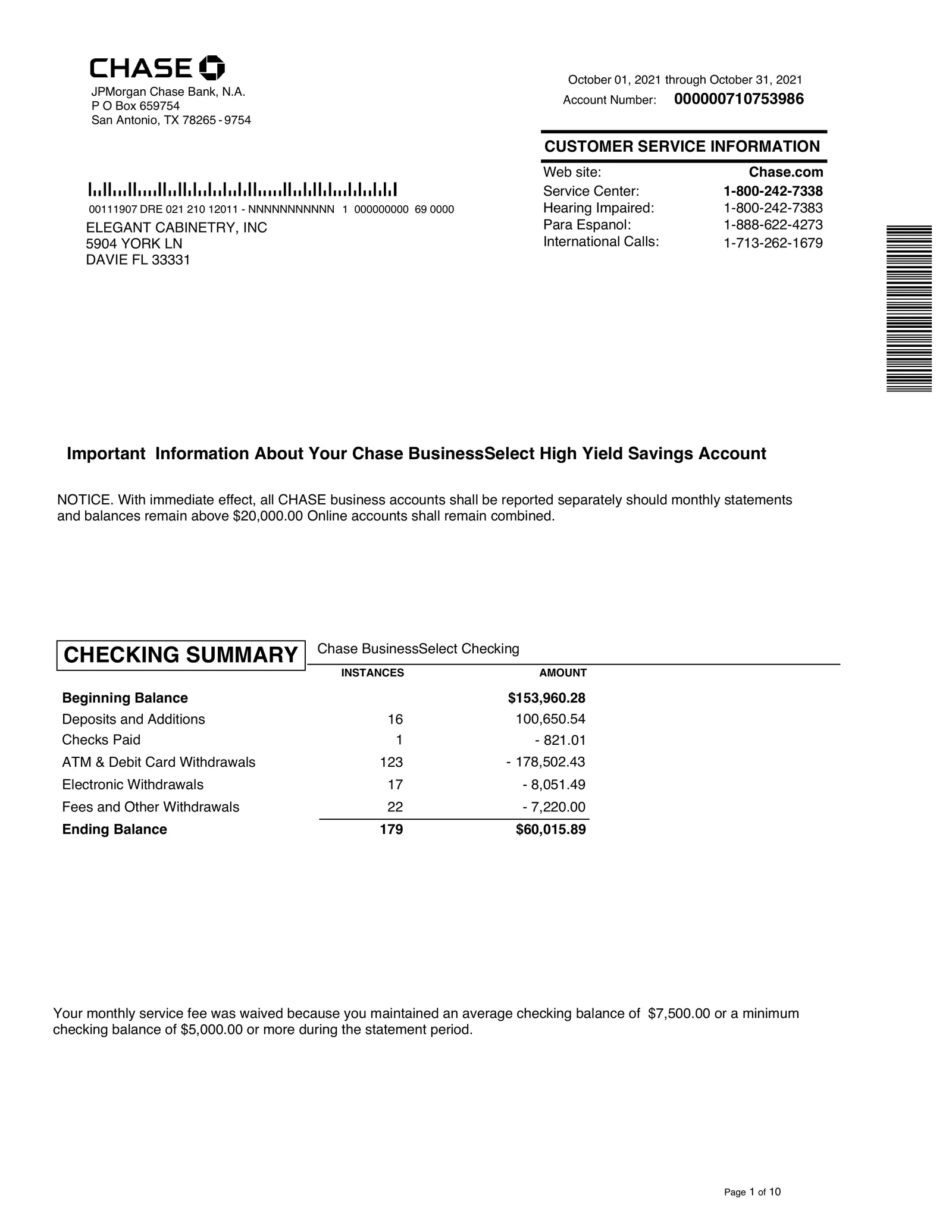
For this guide we’ve hosted the bank statement here.
What you’ll get back:
- Clean markdown for each page, ready to drop into an LLM prompt
- Layout-aware blocks (text, tables, figures, key-value pairs) with their positions on the page
- Page-level chunks you can index or post-process
For structured field extraction (pulling specific values like account numbers into typed JSON), see the Extract endpoint after this guide.
Get your API key
Create a key on the Developers page and store it in an environment variable:
Install the SDK
Python
TypeScript
Java
Go
cURL
Prefer raw HTTP? Use the cURL tab below and skip this step. For Maven and other install options, see the SDKs page.
Parse the document
Now let’s parse the sample document step by step. Pick your language: each tab walks through initializing the client, parsing the hosted document, and reading the result. Prefer to use your own file? Each “Parse the document” step has a tip showing how to upload it and pass the returned id instead.
Python
TypeScript
Java
Go
cURL
Initialize the client
Create a client. It automatically reads your API key from the EXTEND_API_KEY environment variable you set earlier.
Parse the document
Pass the hosted file url to parse. This synchronous call sends the document through the pipeline (OCR, layout detection, table extraction, chunking) and returns a fully populated ParseRun.
Want to parse your own document? Upload it first, then pass the returned file id instead of a url:
Complete code:
Understanding the response
The parsed document content lives in output.chunks. Each chunk has a content string (clean markdown for that page or section) and a blocks array of structured elements with layout coordinates.
Key fields:
Pass content straight into an LLM, or walk blocks when you need tables and spatial structure. For the complete shape, see Response Format.
Configuring the parser
The default settings work well for most documents, but you can shape the output by passing a config object. The most common options are the chunking strategy and per-block options:
Python
TypeScript
Java
Go
cURL
What these options do:
chunkingStrategy.type:"page"(default),"section"(logical, heading-aware chunks for RAG), or"document"(one chunk for the whole file).blockOptions: Fine-grained control over how figures, tables, and other block types are detected and formatted.
For the full list of options, see Configuration Options. You can also configure the parser visually and export the config from Extend Studio.
Next steps
You’ve parsed a document with the API. Here’s where to go next: